01
Find the angle
AngleLume turns product facts, audience insight, and proof into distinct creative hypotheses—not five rewrites of the same idea.


AngleLume API unavailable or incompatible
fetch failed
CREATIVE PRODUCTION, REFRAMED
AngleLume transforms your product, footage, and offer into distinct video-ad concepts you can direct, edit, and render in one workspace.
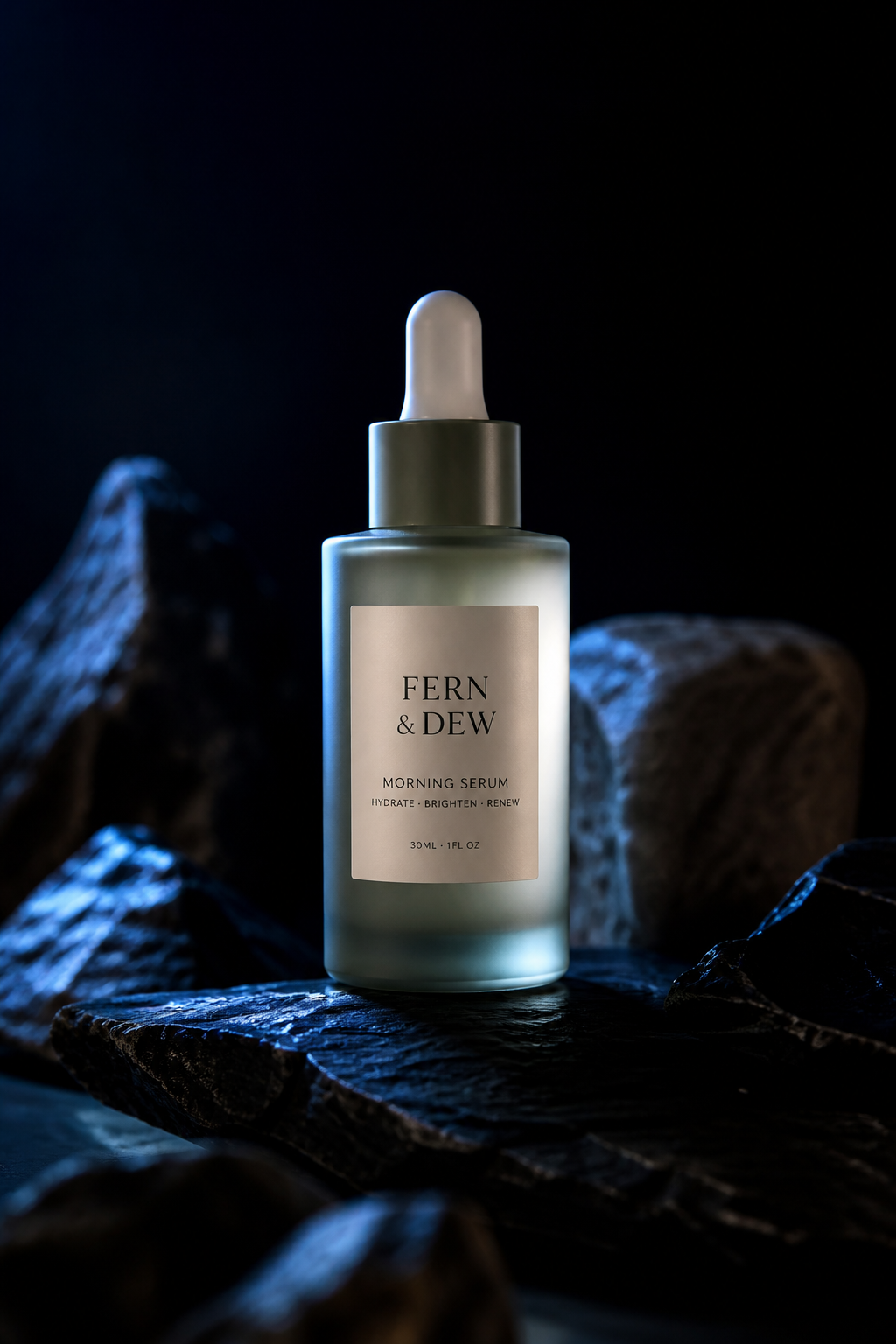
Hearthglass Botanics · Fictional example product
Fern & Dew Morning SerumDemonstration
See the ritual in thirty seconds.
Demonstration. Show the product doing the work — no invented testimonials.
Bring a URL, footage, offer, and audience. AngleLume keeps the facts attached to every treatment.
Generate distinct creative hypotheses—problem, demonstration, objection, ritual, offer—not five rewrites.
Lock approved shots, rewrite a line, replace a clip, and regenerate only what needs to change.
Mix narration, style captions, adapt formats, and export a validated platform-ready MP4.
Production sequence
01
AngleLume turns product facts, audience insight, and proof into distinct creative hypotheses—not five rewrites of the same idea.
02
Choose the footage, shape the script, lock approved elements, and regenerate only what needs to change.

03
Trim scenes, mix narration, style captions, adapt formats, and render a real platform-ready video.
Fictional example product
Render pipeline
AngleLume produces actual edited files. Rendering time depends on length, resolution, and queue load — not instantaneous magic.
Images, MP4s, logos, and music are probed and attached to the cut.
Request generated clips when needed; uploaded product media stays first-class.
Set duration, source in-point, crop, and transitions per scene.
Approve the script, then synthesize a track measured against the timeline.
Captions sit above the platform-safe bottom and follow approved copy.
Duck music under narration with a shared composition plan.
9:16, 1:1, and 16:9 from one timeline.
Preview and export share one Remotion composition — real H.264 output.
Studio
Stage, assets, inspector, and timeline stay aligned with the same composition used for export.
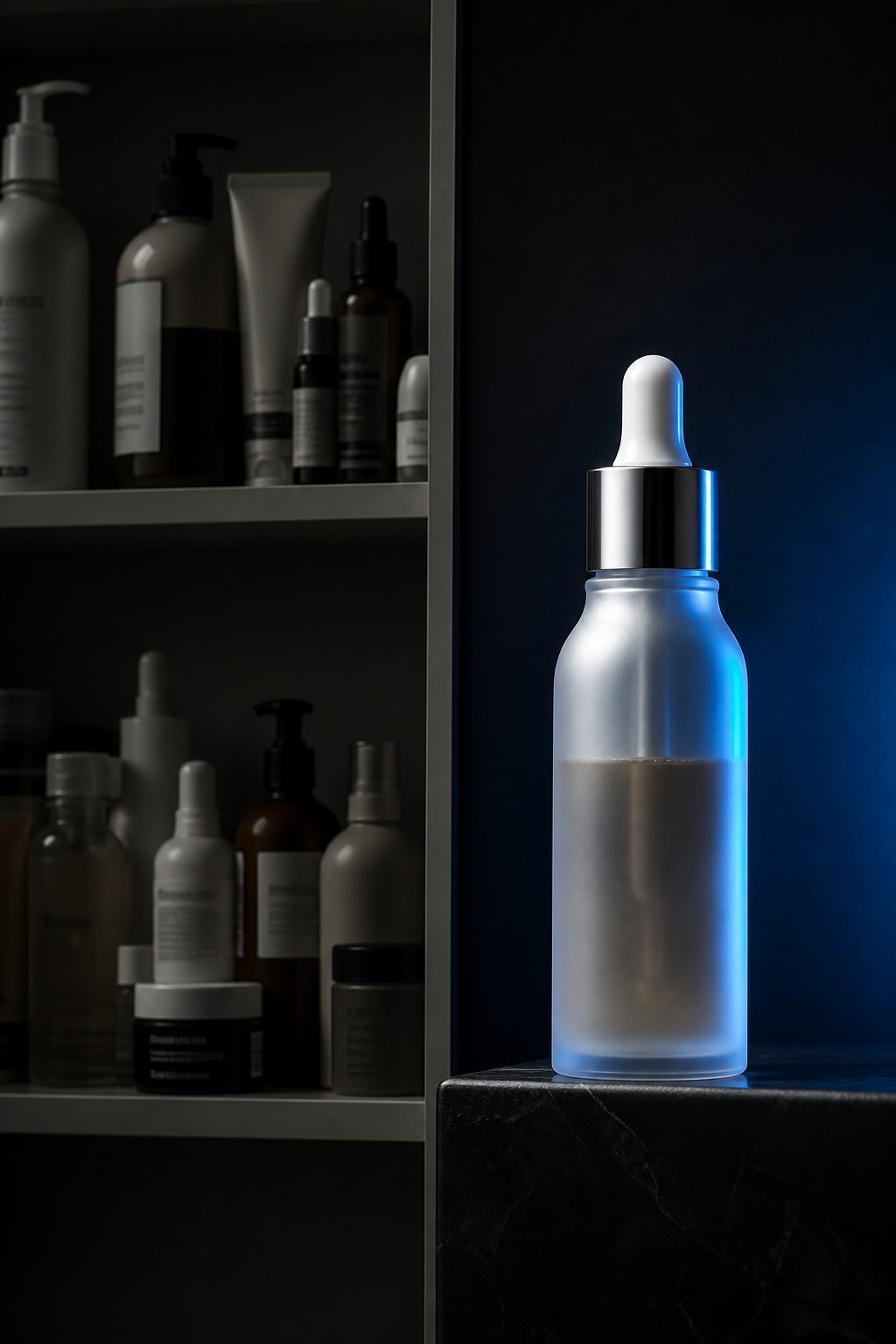
Mornings look tired.
Performance marketers
Ship more distinct tests without waiting on a full production cycle for every variant.
Ecommerce brands
Turn product pages and owned footage into directed cuts that stay on-brief.
Creative strategists
Separate hypotheses clearly — problem, proof, ritual, offer — before you spend on polish.
Small creative teams
Brief, edit, and render in one workspace when headcount is limited.
Agencies producing repeatable variants
Lock approved elements and regenerate only the openings that need a new angle.
Usage-based
Pricing follows generation and rendering usage — not seat theater. Start an angle, learn what holds, then expand the cut.
Begin
Bring the product, footage, and offer. AngleLume will help you shape the campaign.
Start an angle